Setting up the network
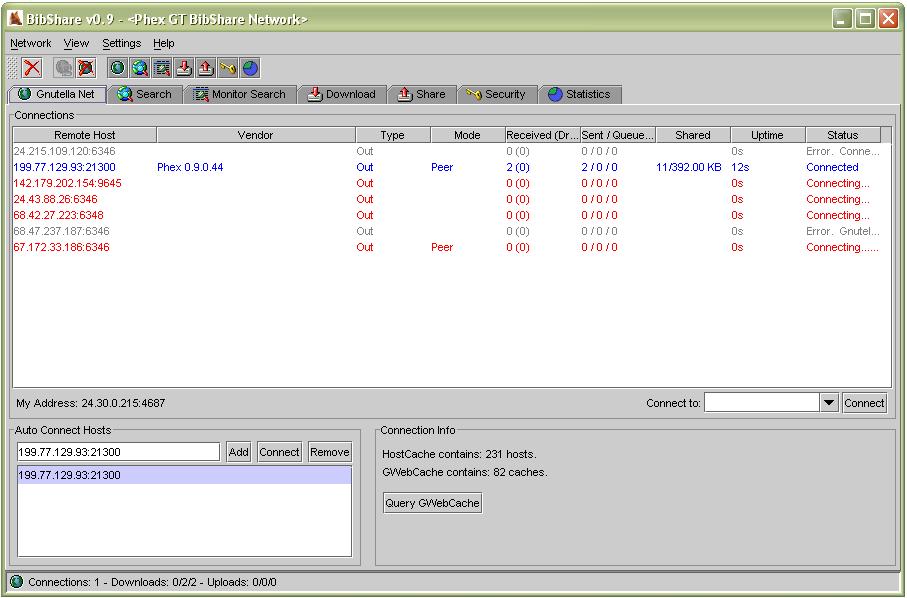
BibShare is a serverless P2P application. At start-up, it needs to be connected to any node in the system in order to join the network. Users can choose to connect to any of the hosts listed as 'Auto Connect Hosts', or manually enter, in the 'Connect To:' text field, the address of the host they wish to connect to.
Choosing Directories and BibTeX File Path
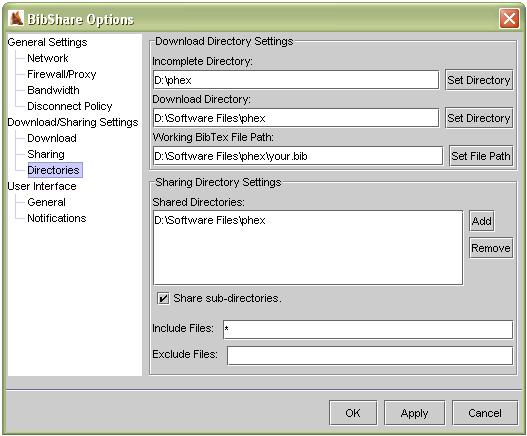
Users should designate the directory (Download Directory) into which the downloaded files should go. Working BibTex File Path is the path of the file into which BibTeX entries will be copied. Users may share files by placing them under shared directories. (The list of the directories is provided as Shared Directories)
Issueing Queries
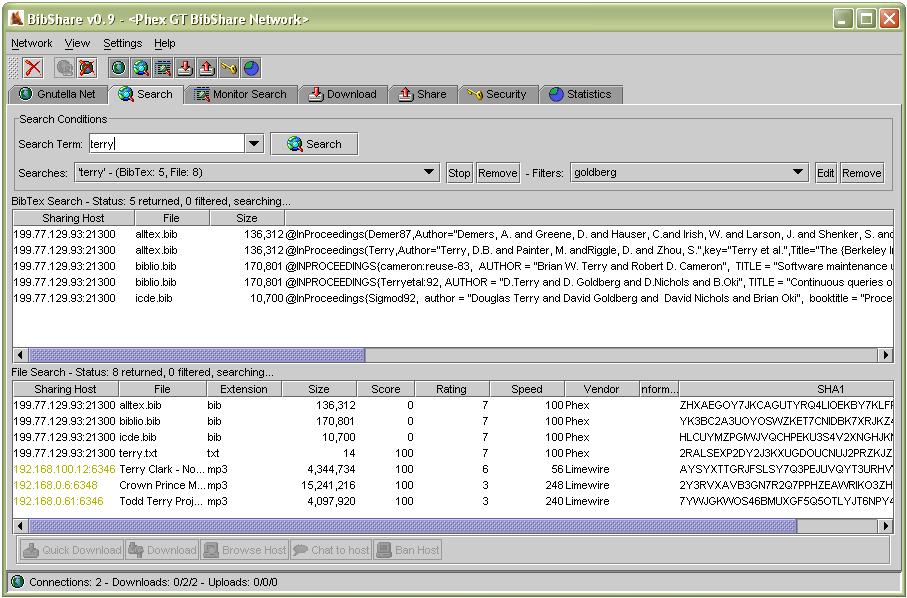
Users can issue queries by entering the keyword of the BibTeX entries they would like to find. Results are categorized into BibTex entry matches, which are provided by nodes that run BibShare, and file name matches, which are provided by nodes that run Gnutella-compatible P2P applications. As for BibTeX entry matches, users may copy the entries directly to the file they designated by right-clicking the selected entries. Users may also download the files that contain the matching BibTex entries or with names that match the search keyword, to the directory they designated.
Filtering Results
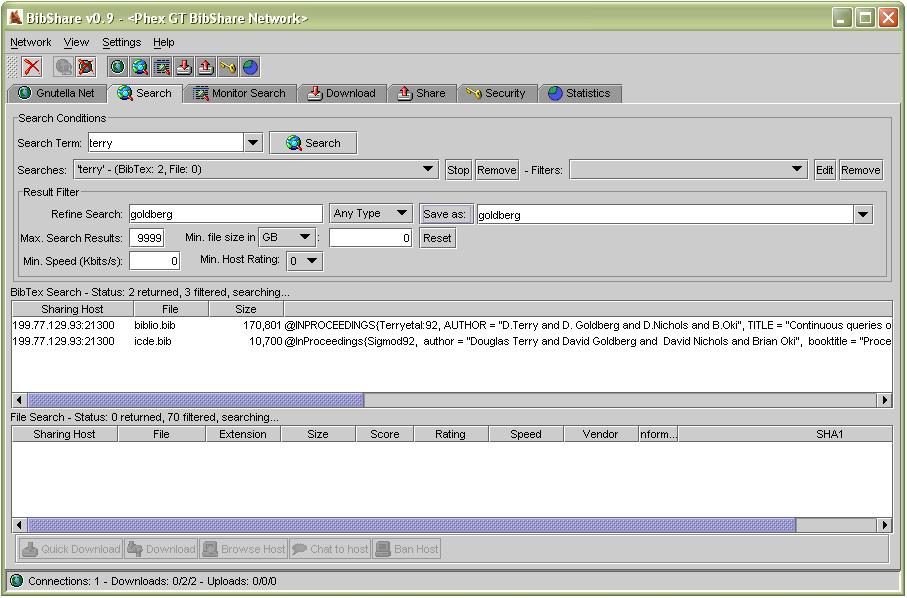
If users encounter too many results, they may issue filter queries within the results. By pressing Edit button beside the filter combobox, users can expand the filter query pane. After filling in the relevant filter fields, you should assign a name for this filter setting (beside Save as: button), then press Save as: button to apply this filter setting.
Requirements
JRE v1.4.2 must be installed to use this application.